(+65) 6745 1147
 enquiry@azdigital.net
 3015A Ubi Road 1 #05-04 Singapore 408705

Blog
What Is the PSG Grant for POS Systems?

Why pay the full price for a POS system upgrade if your business could qualify for government funding?
Singapore’s Productivity Solutions Grant (PSG) previously helped eligible businesses offset the cost of approved POS solutions. However, the scheme has stopped accepting new applications and been replaced by a new grant framework. Find out what the PSG previously covered and which funding options you can consider today.
What Did the Productivity Solutions Grant (PSG) Cover?
The PSG was a government funding scheme that helped eligible Singapore businesses adopt pre-approved IT solutions and equipment to improve their operations.
Businesses could use the grant to offset part of the cost of approved technology, including eligible point-of-sale (POS) solutions that supported their operations.
Under the former PSG, eligible local small and medium-sized enterprises (SMEs) could receive:
- Funding covering a maximum of 50% of eligible costs
- Up to S$30,000 in grant funding per company
The amount of funding depended on the approved solution, eligible costs, and grant rules. Businesses also had to meet the eligibility criteria, which generally included being registered and operating in Singapore, meeting the local ownership requirements, and using the solution in Singapore.
Applicants had to submit their applications before making payments or deposits to suppliers.
However, the PSG stopped accepting new applications on 29 September 2026. From 30 September 2026, businesses seeking funding for new projects can explore the Enterprise Development Grant for Enterprises (EDGE) instead. Existing PSG applications and approved projects will continue to be processed under the applicable arrangements.
For details about the former scheme, refer to Enterprise Singapore’s PSG page.
Can You Still Get a Grant for a POS System?
Yes! Although the Productivity Solutions Grant (PSG) no longer accepts new applications, businesses can explore the EDGE Grant for eligible projects involving automation, digitalisation, and other business improvements.
EDGE supports more than 150 activities across eight business areas. However, not every activity covers POS systems, and funding depends on your business type, proposed solution, and project scope.
Which EDGE Grant Activities May Be Relevant to POS Systems?
Depending on your business and operational needs, two activities worth exploring are:
- Connected Business Suite – Designed for eligible F&B businesses that integrates front-of-house and back-of-house operations, and connects with other entities across the supply chains for your food business.
- Retail Integrated POS with Mobile Features – Designed for eligible retail businesses to digitally process transactions using devices such as POS terminals or mobile devices, and linking these transactions to backend systems such as CRM and inventory systems.
Each activity has its own eligibility criteria, supported costs, and funding limits. A standard POS system or standalone software purchase may not qualify under either category.
If your proposed solution doesn’t fit these activities, try using BizSG Recommender to explore other eligible options.
Check the Requirements Before Committing
Before ordering a POS system or paying a supplier, confirm whether your business and proposed solution qualify under the relevant grant activity. Review the supported expenses, application conditions and project timeline, as starting work or making payments before applying may affect your eligibility.
For the latest requirements, refer to Enterprise Singapore’s EDGE Grant guidelines.
What to Consider When Selecting a POS System
If you’re considering a POS system upgrade, focus on the functions your business needs, and the costs involved. This can help you compare solutions and avoid paying for features that don’t support your operations.
Identify the Features You Need
Your requirements will depend on your business. A retail shop may prioritise inventory tracking and barcode scanning, while a restaurant may need table management, kitchen order routing, and digital ordering.
Consider whether you need:
- Sales and payment processing to support your customers’ preferred payment methods
- Inventory management to track products or ingredients
- Sales reporting to monitor performance and identify trends
- Software integration to connect with existing accounting or business management tools
- Multi-outlet management to oversee products, pricing, and sales across different locations
Start with the features that address your current needs, then consider whether additional functions would be useful as your business grows.
Calculate the Total Cost
The initial purchase price is only one part of the investment. Depending on your setup, your overall costs may include:
- POS hardware, receipt printers, and barcode scanners
- Software licences or subscription fees
- Installation, configuration, and integration
- Staff training
- Ongoing maintenance and technical support
Ask suppliers for a breakdown of upfront and recurring fees before comparing quotes. If you’re applying for a grant, check which expenses are eligible under the specific funding activity rather than assuming the full cost will be covered.
Check Compatibility and Support
Your POS system should work with your existing equipment and business processes wherever possible. If you already use payment terminals, accounting software or inventory tools, confirm whether the new system can integrate with them.
It’s also worth checking the vendor’s technical support arrangements, troubleshooting process, and staff training options. These factors influence how smoothly your team adjusts to the system and how quickly technical problems can be resolved.
Explore POS Solutions and Grant Options with ViViPOS (Powered by AZ Digital)
ViViPOS (Powered by AZ Digital Pte Ltd) provides digital ordering and sales solutions for Singapore’s retail and F&B sectors, including POS systems, self-ordering kiosks, and mobile QR ordering.
Our solutions include:
- AZ POS – Helps manage sales and payments, with a backend portal for menu and pricing updates.
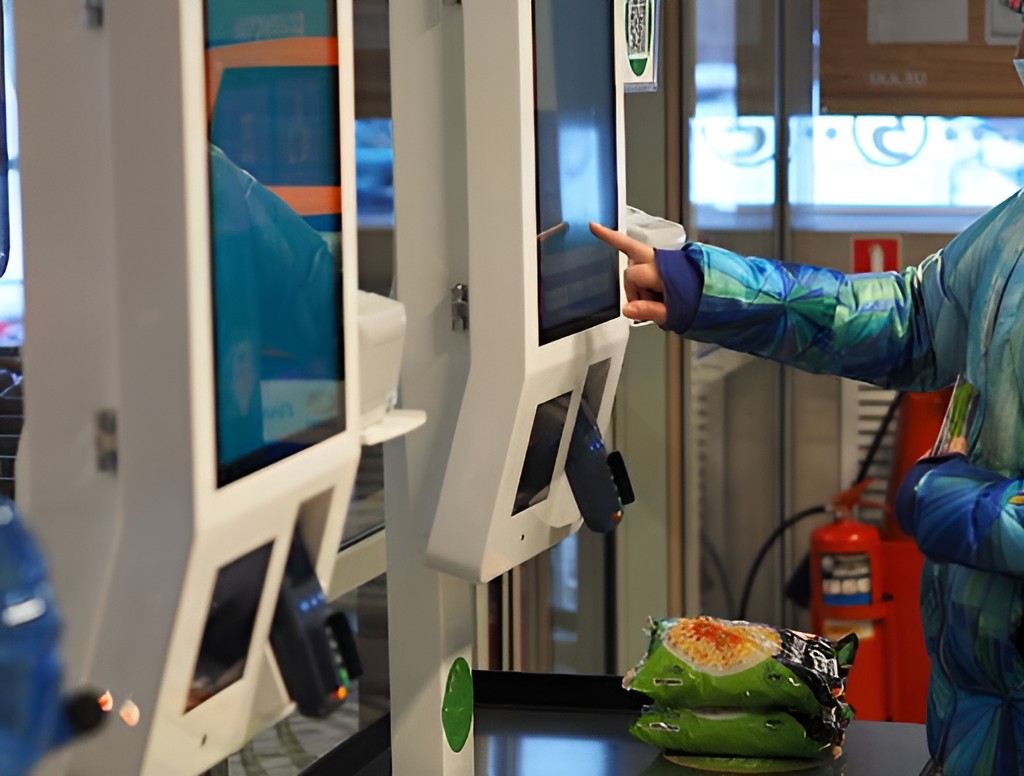
- AZ KIOSK – Gives customers a convenient way to view available items, submit orders, and complete payments at a self-ordering or checkout station.
- AZ QR MOBILE – Lets customers browse menus and place orders using their mobile phones.
Your choice should reflect the needs of your business, including how many transactions you handle, and the features you require. Explore the individual products to compare their features and find a solution that suits your needs.
If you’re looking for funding support for your POS system, contact us to enquire about available grant options and whether the EDGE Grant could apply to your business. As eligibility depends on the proposed solution and grant requirements, check the criteria before committing to a purchase.